
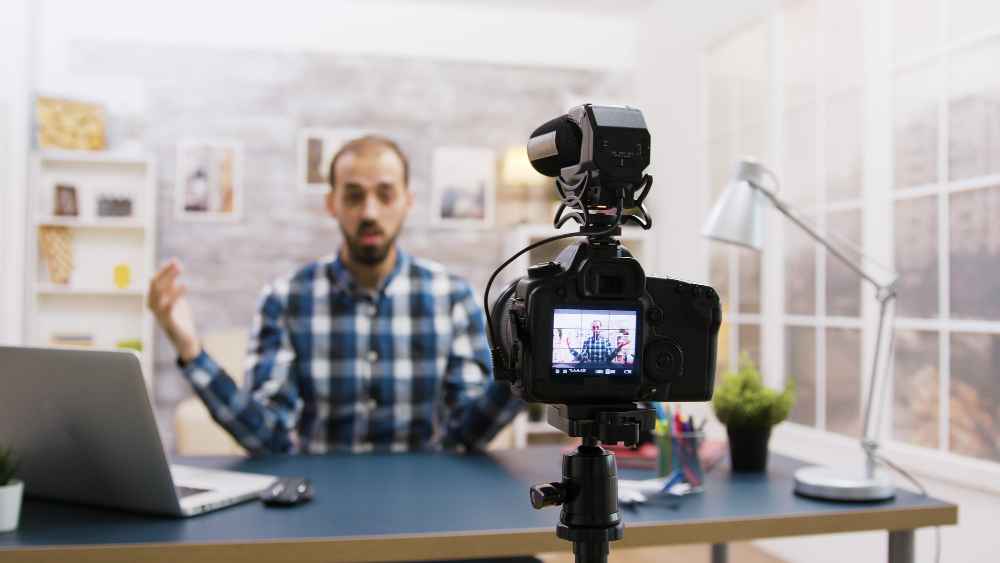
Ever worried your CEO town hall might freeze mid-sentence? Wondering how to keep remote teams engaged without Zoom-fatigue? Not sure what “bitrate” means—but you still need a slick stream that works on office Wi-Fi and executive iPhones? You’re not alone. This guide breaks down Livestream Video Services so your corporate events—from internal briefings to trade show keynotes—look and sound like TV.
What “Pro” Livestream Video Services Actually Cover
Think of a good stream like a well-run stage show—only online.
- Pre-production: run-of-show, platform choice (YouTube, LinkedIn, Vimeo, private CDN), graphics package, speaker coaching.
- Acquisition: multi-camera (wide, tight, stage-left), broadcast audio (lavs, handhelds, podium mics), screen capture for slides/demos.
- Networking & redundancy: dedicated bonded internet or venue fiber + 5G backup; dual encoders to avoid drop-offs.
- Live direction: switching cameras, rolling stingers, lower-third name bars, live Q&A moderation.
- Post-event: recording, edits (talk-by-talk cutdowns), captions, highlight reels, and analytics.
Where They Shine in the Corporate World
- Executive Town Halls & All-Hands — clean slides + crystal audio + moderated Q&A.
- Product Launches & Demos — live switching between camera, slides, and a close-up product cam.
- Investor Days & Earnings Calls — secure access, tight run-times, captioning for compliance.
- Trade Shows & Conferences — mainstage keynotes, breakout rooms, sponsor reads, highlight recaps.
- Training & Workshops — multi-track recording, chapter markers, gated VOD library afterward.
The “No-Tech-Jargon” Checklist
Before you book, confirm these must-haves:
- Internet plan: Dedicated line or bonded cellular + a tested backup.
- Audio first: Two lavs for fireside chats, one podium mic, and a stage ambient mic for room feel.
- Lighting: Key/fill/back three-point for speakers; avoid projector washout.
- Graphics: Branded intro, lower-thirds, sponsor slate, call-to-action end card.
- Access control: Public, unlisted, password-protected, SSO, or RSVP gate—decide early.
- Interactivity: Live chat, Slido polls, QR codes, or moderated Q&A.
- Accessibility: Live captions + downloadable transcript; consider ASL picture-in-picture.
- Recording plan: Cloud + local ISO recordings for each camera.
- Run-of-show: Minute-by-minute cue sheet with speaker handoffs and media roll-ins.
Platform Picks
- LinkedIn Live: B2B reach for launches, leadership talks.
- YouTube Live: Public reach, discoverability, easy embedding.
- Vimeo/Private CDN: White-label, password/SSO, better brand control.
- Internal (Teams/Zoom/Meet): Familiar for staff, add a pro switching layer for polish.
Pro tip: You can stream to multiple platforms at once for reach (public) and to a gated page (internal). Just ensure chat/Q&A lives in one primary destination to avoid fragmented engagement.
Pricing—Why It Varies (and How to Control It)
Cost drivers:
- Crew size & cameras: 1–2 cams for a town hall vs. 4–6 cams at a trade show mainstage.
- Audio complexity: Panel mics, stage boxes, comms.
- Networking: Bonded encoders, venue fiber, IT coordination.
- Graphics & branding: Custom motion packages vs. simple lower-thirds.
- Multi-track recording & edits: Per-session cutdowns, captions, highlight reels.
- Travel & gear logistics: Load-in windows, union venues, overnight security.
Ways to save without looking cheap:
- Lock a single stage “hero” look plus slide capture.
- Reuse a lightweight graphics template.
- Keep Q&A text-only (no audience mic wrangling).
- Book a half-day rehearsal to avoid overtime on show day.
Risk-Proofing Your Stream
- Redundant encoders pushing to redundant ingest URLs.
- Dual audio paths (board + room mic).
- APC-backed power for cameras/encoders; spare batteries set.
- Tech rehearsal with every remote speaker—check framing, audio, and slide-share handoff.
- Crisis comms plan: Who pauses, who switches to holding slate, who posts the “we’re back in 2” message.
Accessibility, Compliance & Security (The Corporate Reality)
- Captions & transcripts (WCAG/ADA best practices).
- Brand safety: Delay buffer if your event is high-profile.
- Privacy: Passwords or SSO, domain-level restrictions, watermarking screeners.
- Legal: Music licensing for walk-in/out, speaker consent, sponsor disclosures.
Make It Pay Off After the Event
Squeeze more value from the same shoot:
- Chaptered VOD library (keynotes, panels, workshops).
- 90-second highlight for socials + 15-second teasers for paid ads.
- Sales enablement clips embedded in landing pages or outbound emails.
- Internal knowledge base: searchable transcripts for onboarding.
- PR kit: quotes, stills, and clips for press and partners.
Sample 2-Week Run-of-Show (Simple & Effective)
T-14 days: lock platform, agenda, speakers; book captioning.
T-10: collect slides, bios, logos; design lower-thirds.
T-7: venue walk-through; internet + power plan signed off.
T-5: remote-speaker tech checks (framing, mic, lighting).
T-2: full rehearsal with switching, graphics, Q&A flow.
T-0: show day—doors + soundcheck + countdown slate.
T+1: VOD posted, captions QC, analytics report to stakeholders.
T+3–5: deliver cutdowns and highlights to marketing.
FAQs: Livestream Video Services for Corporate Events
Q1) Can we stream to LinkedIn and a private page at the same time?
Yes—multi-destination is common. Just centralize Q&A in one place to keep moderation tidy.
Q2) What internet speed do we need?
For 1080p, plan ~8–12 Mbps dedicated upload (plus backup via bonded cellular). Redundancy beats raw speed.
Q3) Do we need a second camera?
One camera works, but two cameras (wide + tight) make talks feel dynamic and more “broadcast.”
Q4) How do we keep remote viewers engaged?
Open with a countdown slate, add lower-thirds, use live polls, and promise a downloadable resource at the end.
Q5) Can you caption live?
Absolutely—live captions + a polished transcript afterward. Consider ASL for high-visibility events.
Q6) How long should the stream be?
45–60 minutes with built-in Q&A is the sweet spot; break all-day events into themed sessions.
Final Word
If you want a stress-free, on-brand broadcast that people actually watch, invest in Livestream Video Services—from town halls to trade shows—and make your next corporate event feel effortless, professional, and worth pressing “Play.” Livestream Video Services.
Read Also: Multi-Platform Live Streaming | Conferences & Trade Shows: Live Streaming