
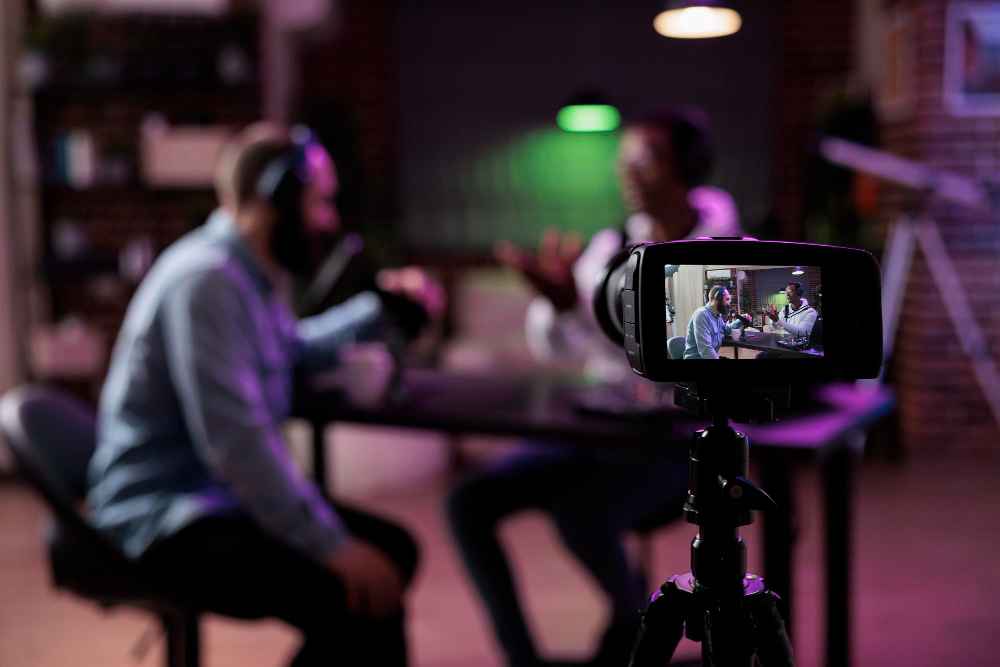
Live Streaming your conference or trade show doesn’t have to be complicated—or expensive. Worried about empty seats, sponsor pressure for more impressions, or sessions that get lost after the event ends? This guide shows how live streaming turns your in-person show into a bigger, longer-lasting success story.
Why Live Stream Your Event
- More eyeballs, less travel: Remote audiences join without flights or hotels.
- Happier sponsors: More views, better reporting, and reuseable content.
- Evergreen value: Recordings = lead magnets, sales enablement, and PR all year.
Quick example: A 1,200-person trade show added a free keynote stream + paid workshop replays—attendance rose 18% onsite, while online views hit 9,400 in two weeks.
1) Formats That Work for Conferences & Trade Shows
- Main Stage Live: Keynotes + panels simulcast to your site, YouTube, LinkedIn.
- Partner Spotlights: Short live product demos from exhibitor booths.
- Breakout “Best Of”: Stream 2–3 top sessions; keep the rest as paid replays.
- Daily Recaps: 10-minute highlight shows drive next-day attendance.
Pro tip: Anchor everything to a simple run-of-show (intro → session → CTA → break).
2) Engagement That Feels Like You’re There
- Live Q&A + Polls: Collect questions and upvotes to keep pace snappy.
- Giveaways & CTAs: “Answer poll #2 to enter” or “Visit Booth 214 for a demo.”
- Moderated Chat: One host keeps energy high and steers viewers to sponsors.
- Chaptered Replays: Add timestamps (keynote quote, product reveal, Q&A).
Story: A healthcare expo added two polls per session and a 60-second sponsor slot between talks—average watch time jumped from 17 to 34 minutes.
3) Simple Tech Stack (No Jargon, Just What You Need)
- Cameras: 2–3 angles (wide, speaker, audience) + one capture for slides.
- Audio first: Stage mics + mixer feed to the stream—audio quality makes or breaks it.
- Encoder/Software: Hardware encoder or software (OBS/vMix) with backups.
- Redundancy: Secondary internet (bonded cellular or venue hardline) + spare laptop.
Baseline checklist: Power strips, SDI/HDMI cables, tripods, tally or cue light, gaffer tape.
4) Platform Strategy (Go Where Your Audience Already Is)
- Owned: Embed on your site for registration, lead capture, and sponsor placement.
- Social: Simulcast to YouTube (searchable), LinkedIn (B2B), Facebook (community).
- Private: Ticketed portal or app for premium sessions and CE credits.
Tip: Use stream keys for each destination; test 24–48 hours before doors open.
5) Monetisation & Sponsor Value (Make the CFO Smile)
- Tiered Access: Free keynote, paid replays, VIP workshops.
- Sponsor Inventory: Pre-rolls, lower-thirds, logo bugs, mid-roll reads, post-event e-blast.
- Exhibitor Add-Ons: 5-minute live demo slots, interview segments, or booth tours.
- Data: Deliver impressions, watch time, CTR, and geo to prove ROI.
Template CTA: “Download slides + replay” gated with name, email, company, role.
6) Accessibility & Global Reach (Compliance = Bigger Audience)
- Captions/Subtitles: Auto + human review for key sessions.
- ASL / Multi-language audio: Expand international viewership.
- Time-Zone Friendly: Replay page live within 2 hours of each session.
7) After the Event: Squeeze Every Drop of Value
- Edit to Assets: 30–90 sec social clips, 2–3 min sizzle reel, full session replay.
- Sales Fuel: Package “top 5 moments” for SDR follow-ups.
- SEO Play: Publish summaries with embedded videos and speaker quotes.
- Community Loop: Monthly “Best of the Show” live recap to keep momentum.
Run-of-Show Template (Copy This)
00:00 Countdown + sponsor slate
00:30 Host intro (agenda + how to engage)
01:30 Sponsor read #1
02:00 Keynote start (poll #1 at 10 min)
20:00 Audience Q&A (5–7 min, upvoted)
27:00 CTA (replays, expo hall, next session)
28:00 Sponsor read #2
29:00 Wrap + next stream time
Metrics That Matter (No Vanity Counts)
- Registrations → live attendance %
- Average watch time per session
- Engagement per 1,000 viewers (polls, Q&A, clicks)
- Replay conversions (form fills, trials, booked demos)
- Sponsor deliverables (impressions, CTR, brand lift survey)
Mini Story: The Booth That Sold Out
A robotics exhibitor scheduled a live micro-demo at the top of each hour and teased it in the keynote stream lower-third. Viewers clicked to a sign-up page, joined the booth crowd, and pre-ordered units on the spot. One stream block funded their next quarter’s marketing.
FAQs: Live Streaming for Conferences & Trade Shows
Q1: Will live streaming reduce in-person attendance?
Usually the opposite. Streaming boosts awareness, while workshops, networking, and exhibits still pull people onsite.
Q2: How much tech do we really need?
Start lean: 2–3 cameras, strong audio, stable internet, and a backup plan. Add graphics and extra angles as you grow.
Q3: Can sponsors be integrated without annoying viewers?
Yes—use tasteful lower-thirds, brief reads, and value segments (e.g., a 90-second expert tip) rather than long ads.
Q4: What about weak venue Wi-Fi?
Bring bonded cellular or arrange a dedicated hardline. Always test with a private stream the day before.
Q5: How fast can we publish replays?
Aim for same-day highlights and 48-hour full session replays with chapters and captions.
Quick Start Checklist
- Define free vs. paid sessions
- Build a simple run-of-show
- Lock audio + internet redundancies
- Prepare sponsor assets (lower-thirds, slates)
- Set up registration + replay hub
- Schedule two test streams (tech + dress rehearsal)
- Assign a live chat/Q&A moderator
- Plan post-event editing (clips + sizzle reel)
Bottom line: If you want bigger audiences, happier sponsors, and content that keeps working after the show, bake Live Streaming into your conference and trade show plan from day one—because the fastest path to reach and ROI right now is Live Streaming.